Your Chrome Web Store email says "Yellow Magnesium": how to triage a rejection, warning, or takedown.
Not legal advice. Facts come from Chrome for Developers docs ("Troubleshooting Chrome Web Store violations" and "Chrome Web Store review process"), fetched 2026-10-15 (Asia/Shanghai). Google states its enforcement practices can change without notice; re-read both pages before acting.
Most extension guides stop at "click Submit". This one starts when the review email lands and you need to know how bad it is and what to do next.
1) Lead answer
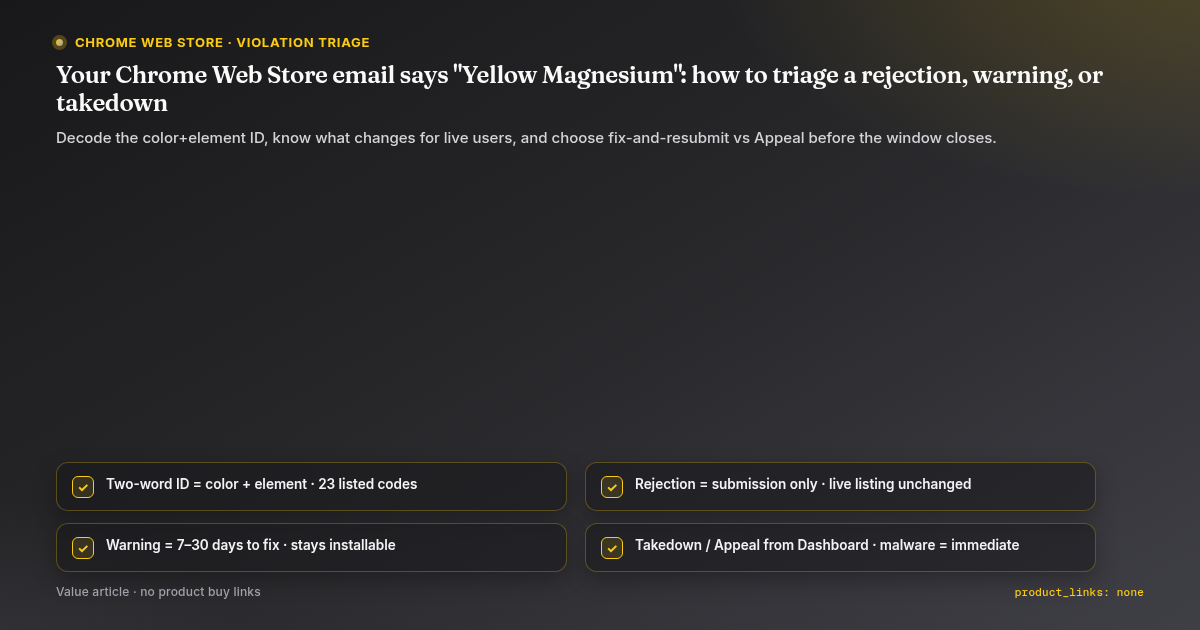
- The two-word code is a lookup key. Every violation gets a human-readable ID made of a color and an element (for example, Yellow Magnesium = the extension does not behave as expected). The troubleshooting page lists 23 of them with common causes and fixes (Troubleshooting).
- Rejection happens to a submission. Your live listing, description, images, privacy disclosures and published CRX stay unchanged, and users are not notified (Review process).
- Warning happens to a published item with a minor violation: typically 7 to 30 days to ship a fixed version, otherwise takedown. The item stays installable during the warning (Review process).
- Takedown removes the item from the store, but in most cases it is not permanent: submit a version that fixes the violation and pass review (Review process).
- Malware / extreme violations: immediate takedown, no notice email, disabled on user devices and cannot be re-enabled (Review process).
- Appeal takedowns and warnings from the item detail page in the Developer Dashboard (Appeal button); account suspensions from the account page. Other issues go through the One Stop Support form (Review process).
2) Decode the color
From the 23 IDs on the troubleshooting page, the colors cluster like this (our grouping, read from the list; Google does not publish a color legend — Not verified as an official taxonomy):
| Color | IDs seen | Theme |
|---|---|---|
| Blue | Argon, Titanium | MV3 remotely hosted code; enforcement circumvention |
| Yellow | Magnesium, Zinc, Argon, Lithium, Nickel, Potassium | Quality / spam: not working, missing metadata, keyword stuffing, redirection, spam, minimum functionality |
| Purple | Potassium, Lithium, Nickel, Copper, Magnesium | Permissions and user data: excessive permissions, disclosure, prominent disclosure, secure transmission, other user-data rules |
| Red | Zinc, Titanium | Deceptive installation; obfuscation |
| Grey | Zinc, Copper, Lithium, Magnesium, Nickel, Potassium, Silicon, Titanium | Content: illegal, gambling, adult, hate, not family safe, violence, crypto mining, affiliate ads |
Practical read: Yellow and Purple are usually fixable in a resubmission. Red and Blue Titanium are about intent signals; treat them seriously before appealing.
3) The most common fixable one: Yellow Magnesium
The page's own checklist (Troubleshooting):
- Test the exact files you uploaded, not your dev folder. Pack the extension yourself and drag the
.crxontochrome://extensions; packed and unpacked can behave differently. - Every file named in
manifest.jsonmust exist at that path. Watch case sensitivity (Background.jsvsbackground.js). - A server-side outage during review counts as "not working". Make error states visible to the user.
- If the extension needs an account or special network, say so in the listing and in the UI (and give reviewers test instructions).
- Test on a flaky connection: timeouts, HTTP 400/500, certificate errors.
- If you cannot reproduce the reviewer's problem, ask developer support which flow failed.
4) Blue Argon in one paragraph
MV3 extensions must not run remotely hosted code: no external <script> sources, no eval() of fetched strings, no interpreter for remote commands even if fetched "as data". Logic must be self-contained; external resources may supply data only (Troubleshooting).
5) Timeline math for a warning
Worked example: warning email on 2026-10-15 → takedown no earlier than 2026-10-22 (+7 days) and no later than 2026-11-14 (+30 days), depending on the violation. The email states your actual window; do not plan on 30.
Review itself: "within a few days" for most, up to a few weeks; if pending more than three weeks, contact support. Expect longer reviews for new developers, new items, dangerous permissions, big code changes, broad host permissions, and after a rejection or warning (Review process). Support requests get an email with a unique ID within minutes; the page says responses may take up to three days depending on queue and violation.
6) Fix or appeal?
| Situation | Move |
|---|---|
| Reviewer is right (missing file, broken flow, extra permission) | Fix and resubmit. Appealing a real bug wastes a review cycle. |
| Reviewer could not reach a feature (login, region, server) | Resubmit with clear test instructions; if still rejected, ask support which flow failed. |
| You believe the policy reading is wrong | Appeal from the item detail page with specific evidence (file, line, user flow). |
| Warning on a live item | Ship the fix inside the window first; appeal in parallel if you disagree. |
| Account suspended | Appeal from the account page. |
Whether an appeal pauses a warning countdown is Not verified — the docs do not say. Assume it does not.
7) What this article does not do
- No pre-submit checklist (that is a separate guide), privacy-policy walkthrough (this guide), or permission design (this guide).
- No claim about appeal success rates or turnaround beyond what the docs state (Not verified).
Sources
- Troubleshooting Chrome Web Store violations — https://developer.chrome.com/docs/webstore/troubleshooting (fetched 2026-10-15)
- Chrome Web Store review process — https://developer.chrome.com/docs/webstore/review-process (fetched 2026-10-15)