Superhive listing assets & commission self-check
Superhive listing assets & commission self-check
Not legal advice. Quotes below come from Superhive (formerly Blender Market) creator Help / Terms as of 2026-10-15. Plans and fees change — re-open the linked pages and your dashboard earnings box before you price a product. This article does not link or endorse any of our live products.
Here the job is an asset + revenue-share checklist: what images/docs must ship on the page, and how Free / Pro / Ultimate commission math + payout calendars actually work.
1) Asset pack: featured vs gallery (expand beyond “≥5 images”)
Official minimums (General Product Guidelines, How to Upload):
| Rule | Spec |
|---|---|
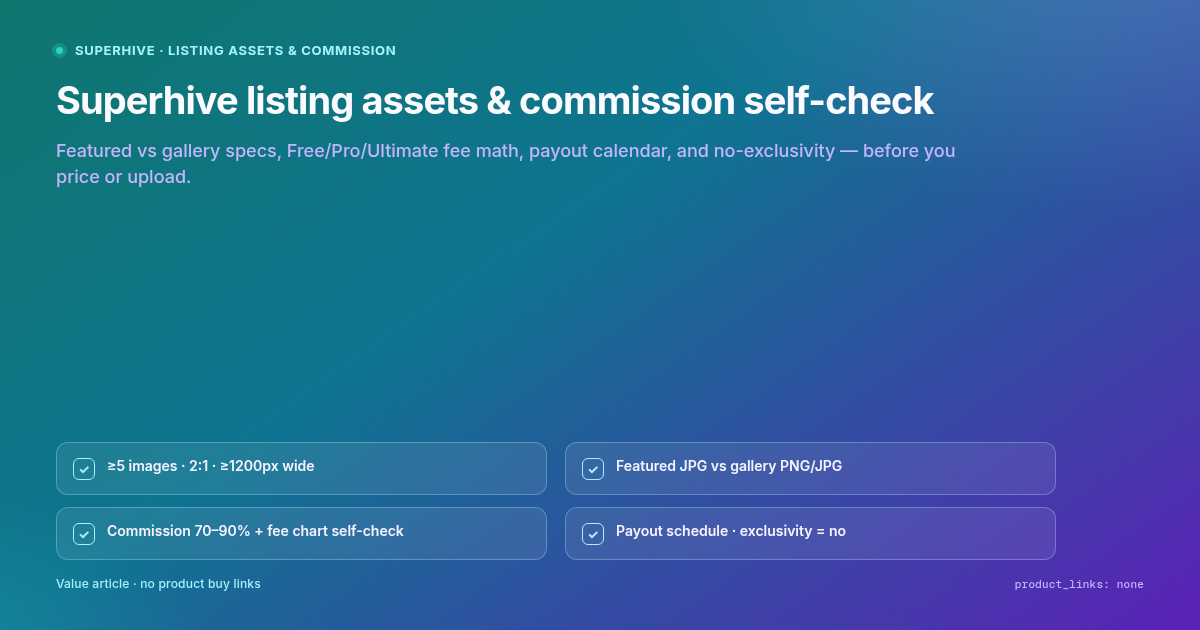
| Count | At least 5 images total (upload guide: failing this is the #1 rejection reason). Recommend 4–6 additional gallery shots beyond thinking in “one thumbnail.” Guidelines example mix: 3 beauty + 2 wireframe. |
| Aspect | 2:1 for all |
| Minimum size | ≥ 1200px wide (example 1200 × 600 yes; 1920 × 1080 no — wrong ratio) |
| Gallery formats | PNG or JPG |
| Featured image | 2:1, min 1200 × 600, JPG, < 5 MB |
| Featured overlays | Discouraged; permitted in some cases |
| Gallery overlays | OK if they present the product; not for branding / watermarks / “anything else of the sort” |
| GIF | OK inside the product page; not as featured image |
| Branding ban | Do not use the Blender logo or brand name “Blender” as a design element in product images (Foundation commercial use only) |
Local ratio check: 1200/600 = 2; 1920/1080 ≈ 1.78.
Featured vs gallery mental model
Featured = catalog / search first impression → JPG, size-capped, overlays discouraged.
Gallery = what buyers see after click → show new angles, functionality, wireframes; still 2:1 / ≥1200 wide; presentational overlays only.
Imagery must accurately represent the product and be yours (not stock / catalogue / other sellers’) per Creator Policy. Avoid a layout+palette+badge set that is confusable with an existing listing in the same category (same policy).
2) On-page documentation & English (not optional garnish)
Upload + guidelines are explicit:
Documentation must be written on the Superhive product page.
Incomplete docs to bypass form validation → immediate rejection.
YouTube-only or external-only docs are insufficient (links rot when videos/sites disappear).
Product page info in English.
Add-ons: GPL or MIT; installation + written use docs/FAQs on-page; optional video is extra, not a substitute.
Asset products: working .blend in current official Blender; English logical naming (no
Cube.001); textures packed or properly linked; render-ready (open → Render ≈ listing images); single file < 5 GB (suggest ~1 GB chunks).
Support goal called out in guidelines: reply to support within 72 hours when possible.
3) Commission & fee self-check (official chart)
From How Your Commission Earnings Are Calculated:
| Free | Pro | Ultimate | |
|---|---|---|---|
| Commission rate | 70% | 80% | 90% |
| Transaction fee | $0.49 | $0.49 | $0.49 |
| Merchant fee | 5.5% | 5.0% | 4.0% |
Formula (initial commission):
(price - (price * merchant_fee) - transaction_fee) * commission_rate
Official Free-plan example at $20:
(20 - (20 * 0.055) - 0.49) * 0.70 = $12.87 (Help 32 published figure; Decimal HALF_UP on the same inputs yields $12.89 — use Help’s published $12.87 when citing the example)
Local arithmetic at common indie prices (same formula; verify against your dashboard earnings box):
| Plan | $20 | $29 | $49 |
|---|---|---|---|
| Free (70% / 5.5%) | $12.87 | $18.84 | $32.07 |
| Pro (80% / 5.0%) | $14.81 | $21.65 | $36.85 |
| Ultimate (90% / 4.0%) | $16.84 | $24.62 | $41.90 |
Help 32 footnote: grandfathered rates may differ and are honored while the subscription stays active. Treat the upload form earnings box (which varies by subscription — 41) as account truth on listing day. Public Pricing page was archived for cross-check; do not invent tiers beyond Help 32 without re-opening live Pricing → any extra promo copy is not verified until re-fetched.
After initial commission
Blender Development Fund and Collaborators take a percentage of initial commission (not of list price).
Example: $12.87 initial with 10% Dev-Fund → final $11.58 (Help 32).
Collaborators: add in upload UI; their share subtracts from your initial commission.
You may contribute up to 100% of earnings to the Dev-Fund (41).
Category-specific commission overrides beyond the Free/Pro/Ultimate chart were not published as a separate public matrix in this archive pass → not verified (use plan chart + dashboard).
4) Payout schedule self-check
| Rule | Official source |
|---|---|
| Process dates | 1st and 15th of every month (How and When Creators Are Paid) |
| Accrual lag | Only earnings accrued more than 15 days before the payout date |
| Minimum | Accrued earnings ≥ $25 USD or balance carries forward (Minimum thresholds) |
| Annual catch-up | Once per year, payout of earnings >12 months old still under minimum |
| Frequency default | Monthly; can choose once or twice per month in account settings |
| Methods | Stripe recommended; PayPal; regions without those → contact support; WISE for a short country list, monthly only (298) |
| Creator ToS remittance note | Payments on first business day of month or bi-monthly as chosen; weekend/US-holiday on the 1st → next business day (Terms of Use – Creator) |
First sale ≠ first payout: wait for $25, >15-day age, and a 1st/15th cycle that matches your frequency.
Merchant of Record: Creator Terms state Superhive is MoR — they handle transactions, then pay commissions. Fraudulent purchases: refund + commission removed; if already paid, clawed from future commissions until reimbursed (same Terms).
5) Exclusivity (clear “no”)
Official answer is unambiguous:
Selling on other sites: you may sell on your site, other marketplaces, even competitors — Superhive does not claim exclusivity over your files.
Creator Terms Exclusivity section: no exclusivity policy.
Sales / bundles / promotions are a separate permission track (email opt-out windows / Marketing Preferences). That is not exclusivity of the product files.
6) One-page seller self-check
5+ images, all 2:1, ≥1200 wide; featured = JPG <5MB.
Gallery shows truth of the shipped
.blend/ add-on — beauty + wireframe / UI as needed.Overlays presentational only; no Blender logo-as-decoration.
On-page English docs + FAQs; video optional, not sole docs.
Price against Help 32 formula for your plan; confirm dashboard earnings box.
Model $25 + 15-day lag + 1st/15th before promising a payout date to yourself.
Stripe/PayPal/WISE region check done.
No exclusivity myth — multi-channel selling allowed; still keep listing claims honest.
What this article does not do
It does not re-walk creator application SLAs, Discover/Gumroad fee math, or broad anti-shilling honesty. It does not claim we are an approved Superhive creator. Re-fetch Help 32 / 41 / 46 / 253 / 284 / 298 and Creator Terms before upload day.
Sources
| # | Claim | Source | Status |
|---|---|---|---|
| 1 | ≥5 images; 2:1; ≥1200 wide; 1200×600 yes / 1920×1080 no; GIF not featured; English; on-page docs; render-ready; 72h support goal | https://support.superhivemarket.com/article/253-general-product-guidelines-for-uploading-products | WebFetch + curl |
| 2 | Featured JPG <5MB; overlays; ≥5 total #1 rejection; earnings box by plan; Dev-Fund; collaborators; publish ≥2 weeks / review 3–5d (context) | https://support.superhivemarket.com/article/41-how-to-upload-products | WebFetch + curl |
| 3 | Free/Pro/Ultimate 70/80/90%; \(0.49; 5.5/5.0/4.0%; formula; \)20→$12.87; Dev-Fund % of initial; grandfathered footnote | https://support.superhivemarket.com/article/32-how-commission-earnings-are-calculated | WebFetch + curl |
| 4 | Payouts 1st & 15th; >15 days accrual; monthly default | https://support.superhivemarket.com/article/46-how-and-when-creators-get-paid | WebFetch + curl |
| 5 | Min $25; annual >12mo catch-up | https://support.superhivemarket.com/article/284-minimum-payout-thresholds | curl |
| 6 | Stripe/PayPal/WISE; WISE monthly-only | https://support.superhivemarket.com/article/298-available-commission-payout-methods | curl |
| 7 | Honest imagery; anti-shilling / confusable imagery | https://support.superhivemarket.com/article/277-creator-seller-policy | curl |
| 8 | No exclusivity; MoR; fraud clawback; remittance business-day note | https://support.superhivemarket.com/article/44-terms-of-use-creator | curl |
| 9 | May sell on other sites / competitors | https://support.superhivemarket.com/article/56-sell-products-on-other-sites | curl |
| 10 | Pricing page cross-check archive | https://www.superhivemarket.com/pricing | curl HTML |
| 11 | Local commission / ratio arithmetic | — | Local only |
| 12 | Category-specific commission overrides beyond plan chart | — | not verified |
| 13 | Extra Pricing-page promo tiers beyond Help 32 | — | not verified until re-fetched live |
| 14 | Any live self-product listing | — | none |