Gumroad after checkout: Library, downloads, and delivery promises that match Help
Not legal or marketplace advice. Mechanics come from Gumroad Help articles archived 2026-10-15 (Asia/Shanghai). Re-open them before you change a live product. This article links none of our products.
This article is not a past-buyer updates checklist or a refunds guide — see this guide and this guide. Here the job is narrower: what buyers actually open after they pay, which seller toggles change that experience, and which file-size / streaming numbers you may quote without inventing limits.
1) Lead answer
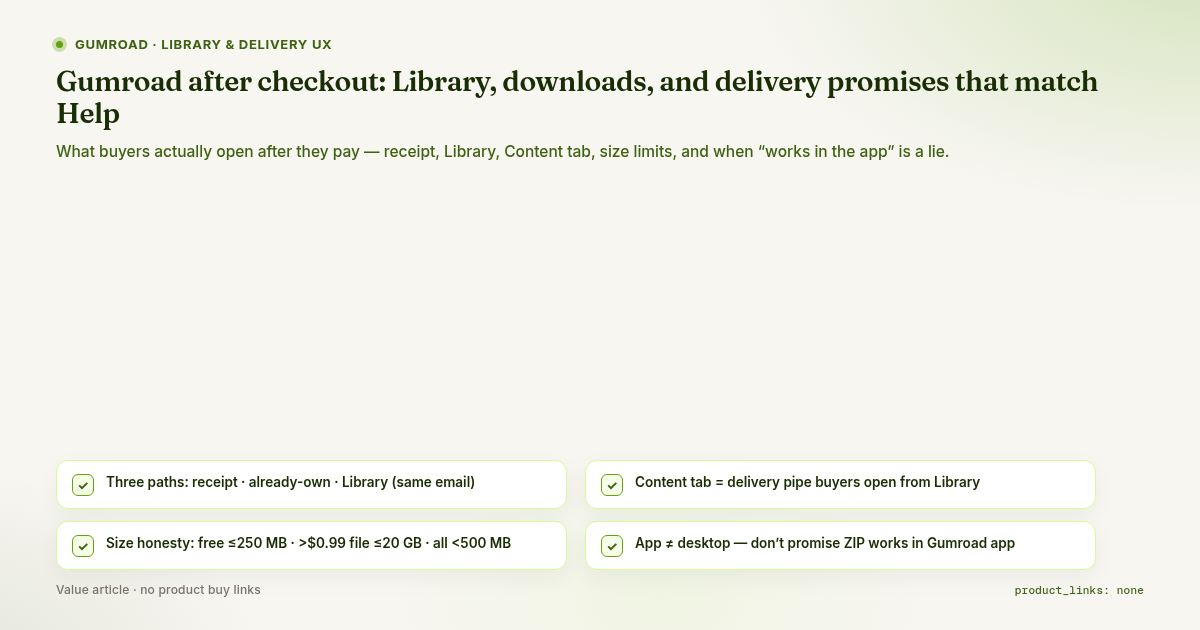
- Three access paths to the same Content: email receipt "View content", the product page "already own" card (when Gumroad recognizes the buyer), and Library after they create an account with the same email used at checkout (Help 199, Help 198, Help 247).
- Content tab is the delivery pipe. Files, pages, folders, stamped PDFs, code blocks, embed videos (download or stream-only), and embedded emails live there (Help 149). Buyers who open the product from Library see that Content.
- Documented size limits (Help 289): free / $0 PWYW floor → max product size 250 MB; price greater than $0.99 → largest single file 20 GB (Help also says “priced higher than $1” in the intro — same article); "Download all" only if total content < 500 MB (else upload a ZIP yourself).
- Read vs download: PDF/EPUB up to 32 MB can show an in-browser Read button; EPUB over 32 MB is download-only; you can turn Read/Kindle off per file (Help 247, Help 198, Help 112).
- Stream vs download for video: you can leave downloads on, or set Disable file downloads (stream only). Streaming SD is 480p, HD 1080p; 4K is reduced to 1080p for streaming. Transcoding starts after the first successful sale and may take minutes to hours (Help 43).
- App ≠ desktop. ZIP / Mobi-style packages often do not show usefully in the mobile app; app-friendly types are listed in Help 112. Don’t promise “works in the Gumroad app” for a ZIP-only product (Help 247 FAQ, Help 112).
2) What the buyer sees (mental model)
| Path | What Help describes | Seller implication |
|---|---|---|
| Receipt email | “View content” → download page; may ask for checkout email (Help 199) | Receipt deliverability is part of delivery. Spam-folder copy in your FAQ is honest. |
| Product page | “Already own” card + view content when recognized; license key if signed in / identified email link (Help 199) | Don’t tell returning buyers “buy again to re-download.” |
| Library | Side-nav Library → product tile → Content window; exclusive posts listed (Help 247, Help 198) | Account + same email = one shelf. No account still works via receipt. |
| Archive / remove | Archive hides; remove keeps original download link; support can restore the card (Help 198) | “Deleted from Library” ≠ “lost access forever” for remove. |
Folders on the download page start collapsed unless you enable Start expanded, or there is only one top-level folder (Help 149). A buyer who “can’t find the zip” may simply not have opened the folder.
3) Seller toggles that change the experience
| Toggle / choice | Documented effect | Honesty risk if you hide it |
|---|---|---|
| Free / $0 PWYW | Cumulative product size ≤ 250 MB (Help 289) | Listing a multi-GB free pack |
| Paid > $0.99 | Single file up to 20 GB; many files allowed (Help 289) | Claiming unlimited multi-file “Download all” when total ≥ 500 MB |
| Total content ≥ 500 MB | No “Download all” button; ZIP workaround (Help 289) | “One-click download everything” in the sales page |
| Hide Read / Kindle | Download-only for that PDF/EPUB (Help 247) | Marketing “read in browser” while the toggle is off |
| Stream only | No download; watch on Gumroad; signed/expiring stream links (Help 43) | Saying “downloadable video course” for stream-only files |
| Versions | Separate Content per version (Help 126; deep dive this guide) | Buyer bought Lite but listing screenshots show Pro files |
| Pages / embed emails | Structure + put critical notes next to files (Help 149) | Important install steps only in a one-time email |
Browsers: Gumroad supports the last four major updates of Edge, Safari, Chrome, and Firefox; outdated browsers can cause upload and purchase errors (Help 53). Useful for support macros; not a sales boast.
4) Claims you may make vs invent
| Claim | Honest? |
|---|---|
| “After purchase, open Library (or your receipt) and download from Content” | Yes — matches 199/247/198 |
| “Free product total files ≤ 250 MB” | Yes — Help 289 |
| “Paid product: individual files up to 20 GB” | Yes — Help 289 (> $0.99) |
| “Download all appears only under 500 MB total; otherwise use our ZIP” | Yes — Help 289 |
| “EPUB over 32 MB won’t open in the browser reader” | Yes — 198/247/112 |
| “Stream-only: watch on Gumroad, no file download” | Yes — Help 43 |
| “4K streams at full 4K on Gumroad” | No — Help 43: reduced to 1080p for streaming |
| “Works in the Gumroad iOS/Android app” for a ZIP-only pack | No — 247 FAQ / 112 type list |
| “Instant Library sync within N seconds of Content save” | Not verified — no SLA in archived Help |
| “DRM that stops all screen recording / sharing” | Not verified this run; Help 43 only documents signed/expiring stream links for stream-only video |
5) Seller self-check (delivery honesty)
- Sales page language matches stream only vs downloadable for every video.
- Free / $0 products stay under 250 MB total, or the price is raised above $0.99 before shipping large archives.
- If total Content ≥ 500 MB, the page tells buyers to use the ZIP (or named parts), not “Download all.”
- PDF/EPUB: either offer Read honestly, or disclose that Read/Kindle is off.
- App claim only if files are in Help 112’s audio/video/PDF/EPUB lists — not ZIP-only.
- Folders: critical files either top-level or in a folder set to Start expanded.
- Test purchase: receipt → View content; second check with Library account on the same email.
- Don’t borrow the update story from this guide here: if you promise “lifetime updates,” you still need Content + email (Help 169) — that is a separate article.
6) Not verified
- Library visibility latency after you save Content.
- Whether every mid-life Content replace triggers a “file ready” style mail (do not rely on it; see this guide).
- A published hard cap on number of files per product (Help 289 says you can add as many as you want).
- Full “Content protection on Gumroad” article mechanics (related link noted in Help 43; not archived this run).
- Help article 80 (streaming video rentals URL returned the Help index on fetch day — do not cite).
7) Bottom line
Buyers don’t live on your product editor. They live on receipt → download page and Library → tile → Content. Quote only the file-size and streaming numbers Help prints (250 MB / 20 GB / 500 MB Download-all / 32 MB Read / 480p·1080p stream). If your listing promises an app, a browser reader, a one-click Download-all, or a downloadable 4K file, check the matching toggle and limit first — or rewrite the listing.
Comments
Join the discussionNo comments yet. Be the first to comment.